01
Save in a blink
Keep a useful page as you browse.

Your little keeper of good finds
Save any webpage to your custom boards and categories – organizing them to suit your needs. Customise your bookmark dashboard by changing colours, names, location and creating sub boards.
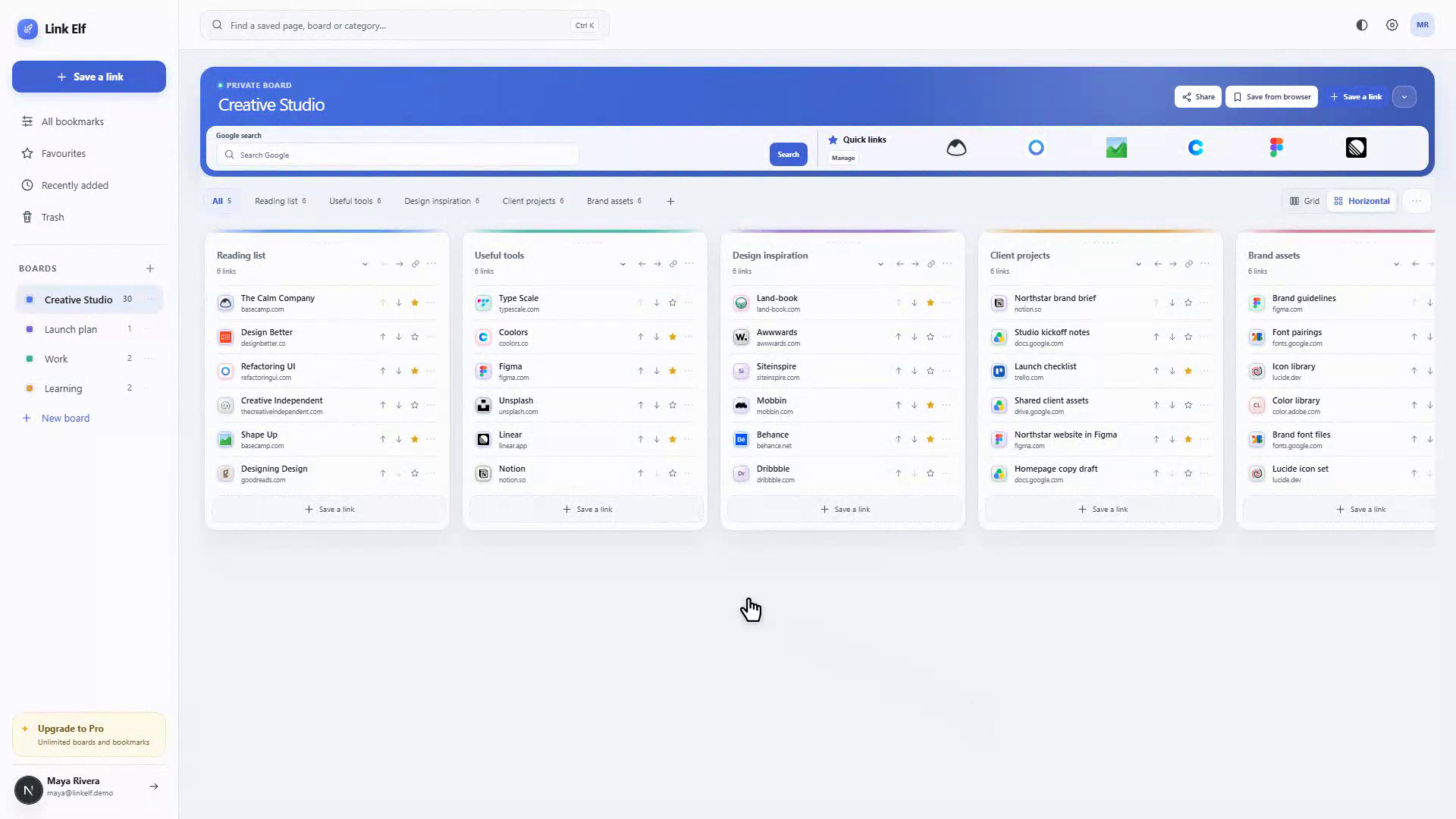
Leave the tab chaos behind
Keep a useful page as you browse.
Make spaces for work, study and life.
Search every board and category.
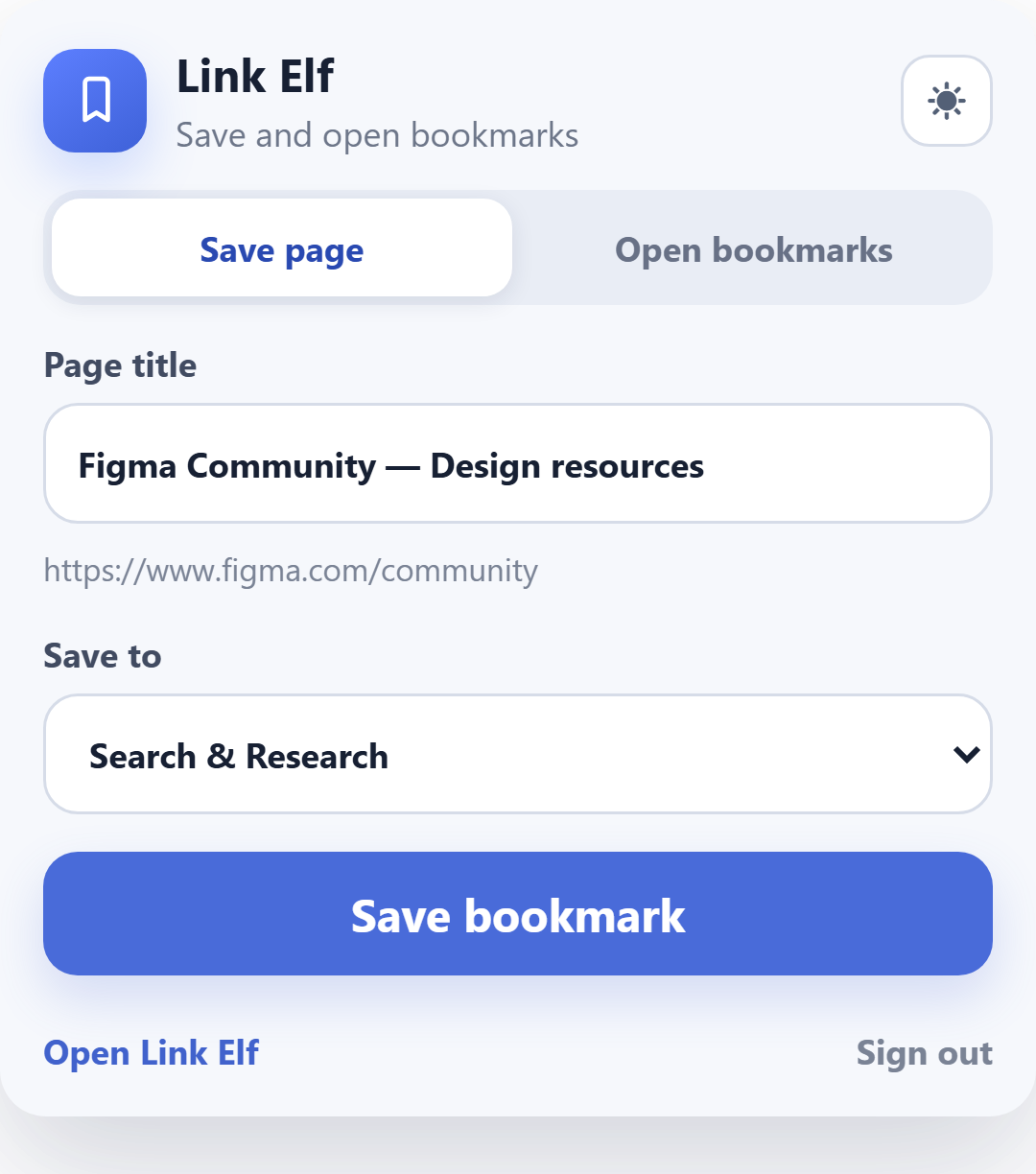
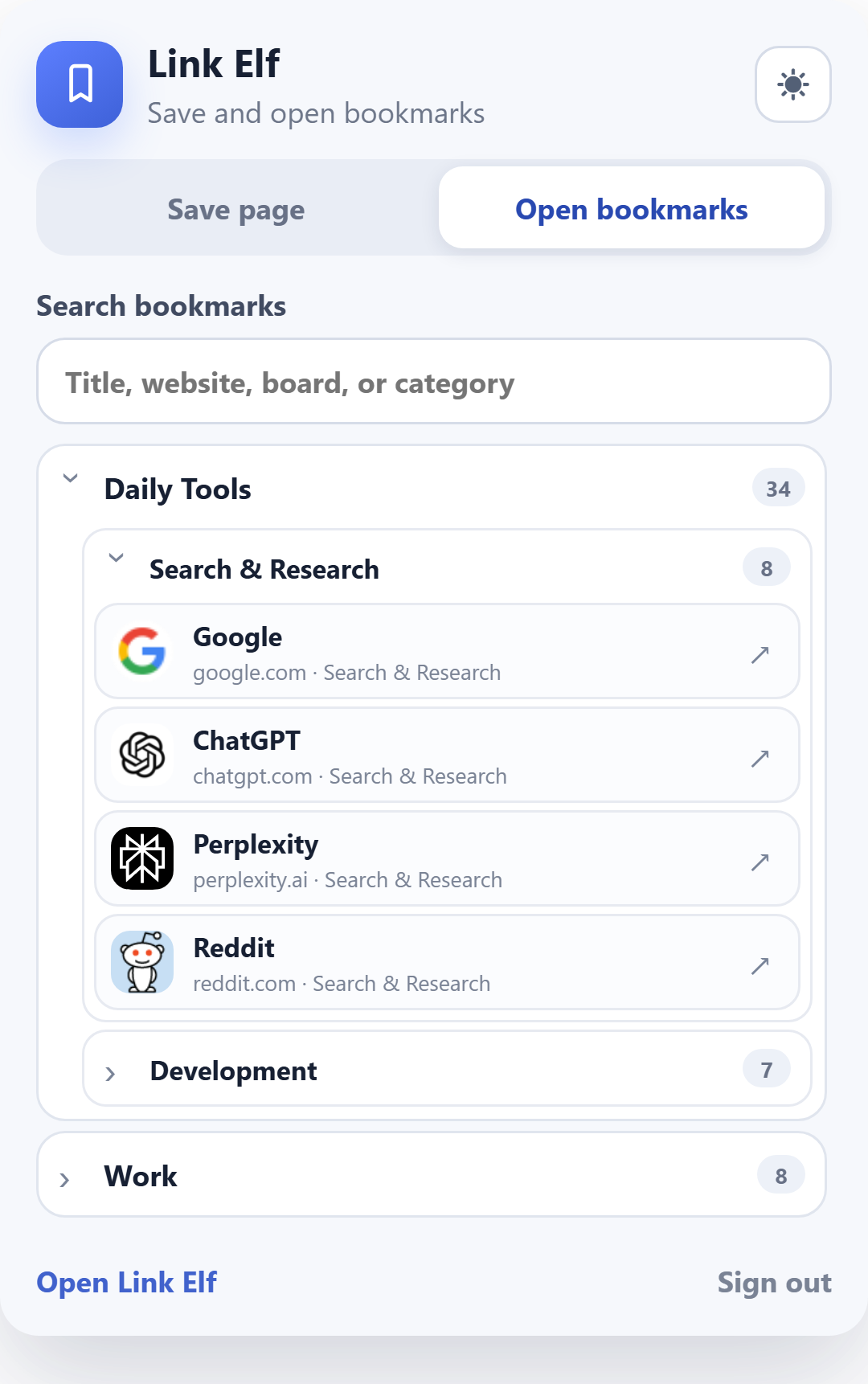
A handy little browser companion
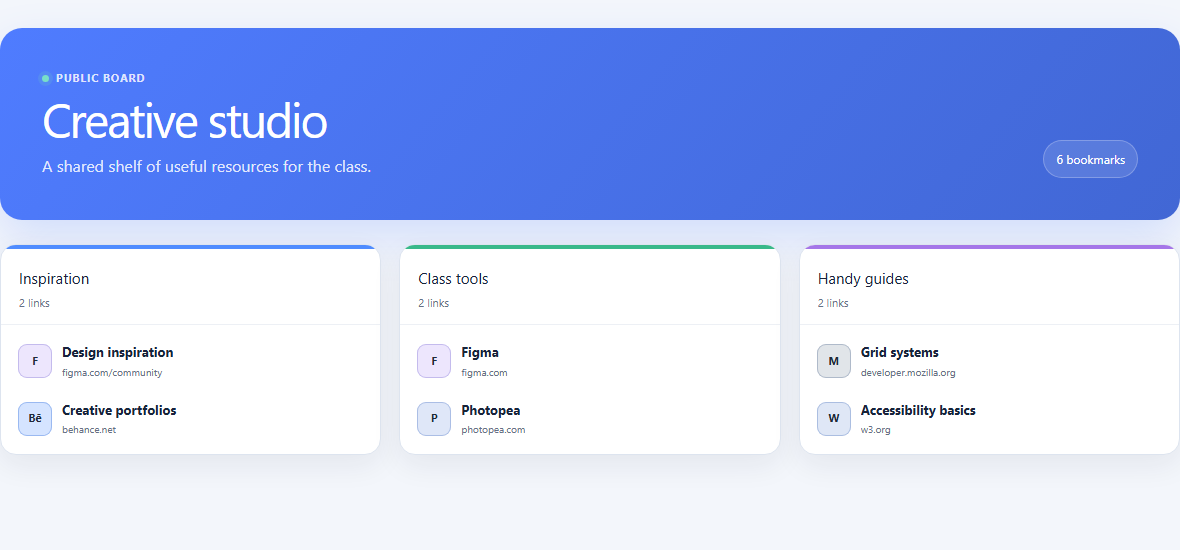
A little space to share
Publish a board and share one tidy, read-only link with your students, colleagues or friends.
A little bookmark magic
Bring bookmarks over from Chrome, Edge or Firefox, then export them all as an HTML file or a full Link Elf backup.
Ready when you are
A few helpful answers
Choose Add bookmark in your workspace, or save the page you’re viewing with the browser extension. Pick a board and category, then save.
Use search to look by page title, website, board or category.
Yes. Every board starts private, and stays that way until you publish it.
Install Save to Link Elf from the Chrome Web Store or Firefox Add-ons. The Microsoft Edge version is currently under review.
Sign in, open your board and choose Share. Select Publish board, then Copy link to send it. Anyone with the link can view it, but cannot edit it.